De
De  Es
Es  Fr
Fr  Pt
Pt 

nanoCAD Platform Help
-
-
-
-
-
-
-
-
-
-
-
-
-
-
-
-
-
-
-
-
-
-
-
-
-
-
-
-
-
-
-
-
-
-
-
-
-
-
-
-
-
-
Settings
-
-
-
-
-
-
-
-
-
-
-
Settings
 Ribbon: Topoplan – Settings >
  New Plan
Menu: Topoplan – Settings >  New Plan
Toolbar: Topoplan Settings > New Plan
 Command line: NEW_PLAN
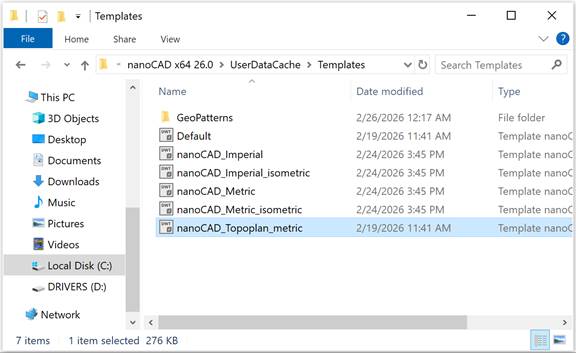
The New Topoplan command creates a new document with a pre-configured nanoCAD_EarthWork_metric.dwt template for the Topoplan module. The template is stored in the Templates folder.
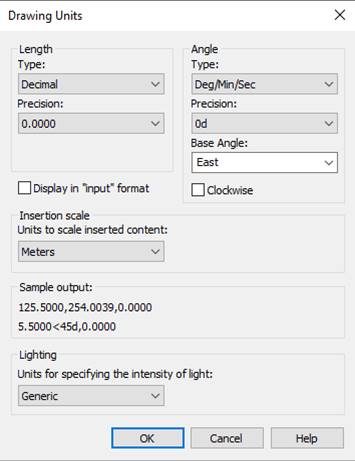
The linear units of the new drawing are meters, the angular units are degrees/minutes/seconds.