

 De
De  Es
Es  Fr
Fr  Pt
Pt 

nanoCAD Platform Help
-
-
-
-
-
Color Themes
-
-
-
-
-
-
-
-
-
-
-
-
-
-
-
-
-
-
-
-
-
-
-
-
-
-
-
-
-
-
-
-
-
-
-
-
-
-
-
-
Color Themes
|
|
|
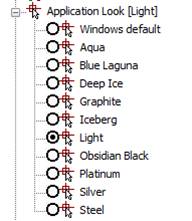
In addition to the possibility of the workplace complete reorganization to the user needs, nanoCAD contains a set of color themes for the interface design. You can change the color theme in the Options dialog box, the Application look item.
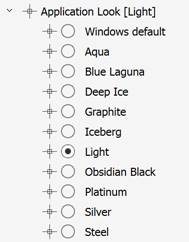
To apply the selected theme without closing the dialog box, click the Apply button in the bottom part of the Options dialog.