De
De  Es
Es  Fr
Fr  Pt
Pt 

-
-
-
-
-
-
-
-
-
-
-
-
-
-
-
-
-
-
-
-
-
-
-
-
-
-
-
-
-
Radial Dimensioning
-
-
-
-
-
-
-
-
-
-
-
-
-
-
-
-
-
-
-
-
-
-
-
-
-
-
Radial Dimensioning
 Ribbon: Home, Annotate – Dimensions >
  Auto
Auto
Ribbon: Home, Annotate - Dimensions >  Radius
Menu: Dimensions –  Radius dimension
Toolbar: Utilities –
Context menu when calling any dimension: Radius
 Command line: MDIMRAD
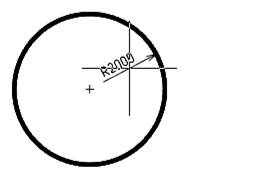
To draw the radius of a circle:
1. Place the cursor over the circle to show its dynamic highlighting. Left click to confirm the selection:
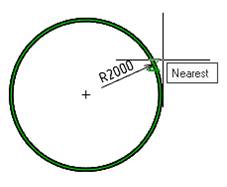
Choose the location of the dimension
2. Left click to fix the chosen location:
To draw the arc radius:
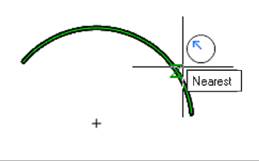
1. Place the cursor over the arc to show its dynamic highlighting. When you set a radial dimension using the Auto command, an auxiliary marker  appears. Left click to confirm the selection:
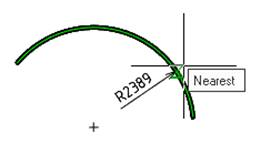
Choose the location of the dimension
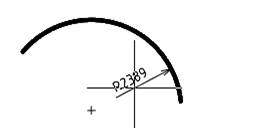
2. Left click to fix the chosen location of the dimension:
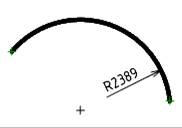
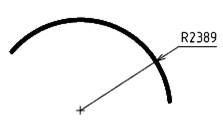
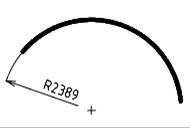
Options for dimensioning the arc radius: