

 De
De  Es
Es  Fr
Fr  Pt
Pt 

nanoCAD 3DScan Help
-
-
-
-
-
-
-
-
-
-
-
-
-
-
-
-
-
-
Exporting Pipes to File
-
-
-
-
Exporting Pipes to File
 Ribbon: 3DScan > Features >
  Pipe Export
Menu: 3DScan > Features >  Pipe Export
Toolbar: Features 3DScan > Pipe Export
 Command line: PC_PIPE_EXPORT
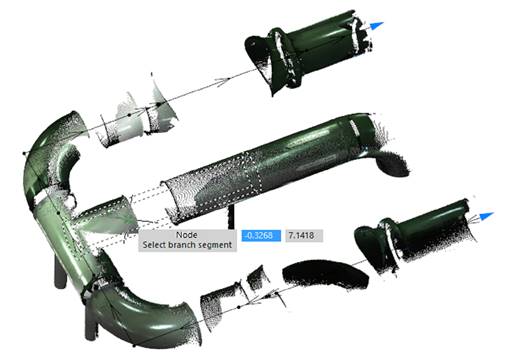
It allows you to export all found pipelines to the PCF exchange pipeline system file format, which can then be loaded into specialized programs and vertical applications.