De
De  Es
Es  Fr
Fr  Pt
Pt 

nanoCAD 3DScan Help
-
-
-
-
-
-
-
-
Isolating a Feature
-
-
-
-
-
-
-
-
-
-
-
-
-
-
-
-
-
-
Isolating a Feature
 Ribbon: 3DScan – Features >
  Isolate Feature
Menu: 3DScan – Features >  Isolate Form
Toolbar: Features 3DScan > Isolate Feature
 Command line: NPC_ISOLATE_FEATURE
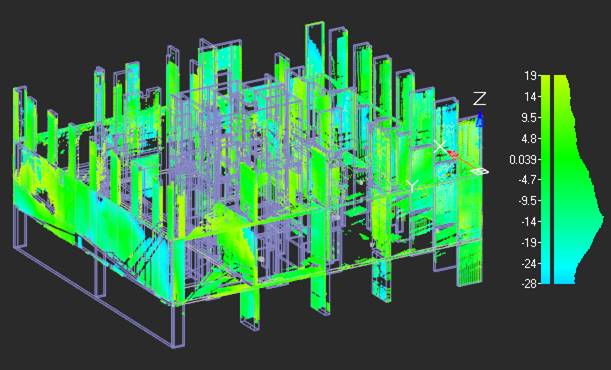
The command leaves the feature selected for isolation visible, hiding the rest of the cloud.