

 De
De  Es
Es  Fr
Fr  Pt
Pt 

nanoCAD 3DScan Help
-
-
-
-
-
-
-
-
-
-
-
-
-
-
Converting to Meshes or 3D
-
-
-
-
-
-
-
-
-
Converting to Meshes or 3D
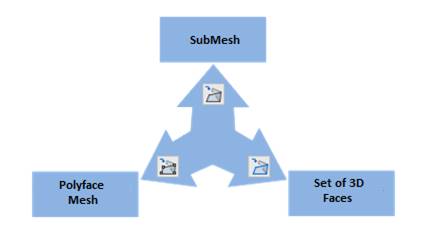
There si a set of commands for changing the type of triangulation model created by such commands as Create TIN by Points. The type of created model can be converted to SubMesh (SubDMesh), Polyface Mesh (PolyFaceMesh) or a set of 3D Faces.
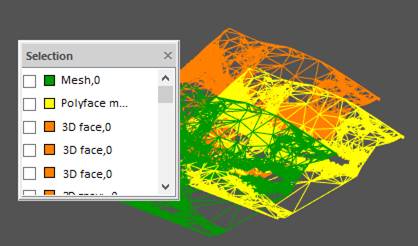
Converting to 3D Faces
 Ribbon: 3DScan – Meshes >
  Converting to 3D Faces
Menu: 3DScan – Meshes > Converting to 3D Faces
Toolbar: Meshes 3DScan > Converting to 3D Faces
 Command line: PC_TO_3DFACE
The command converts an object of SubMesh or Polyface mesh type to a set of 3D Face type objects.