

 De
De  Es
Es  Fr
Fr  Pt
Pt 

Registration
After finishing 3DScan installation process Registration Wizard starts automatically, also you can start it manually from Window Start Menu, 3DScan directory.
- If you need to get a license file, choose Enter the serial number to get a license file option.
- If you have received license file and need to activate it, choose Manually activate license file option.
- If you use network license and License Server is installed and runs, choose Connect to License Server option. Otherwise close Registration Wizard: you should install License Server at first.
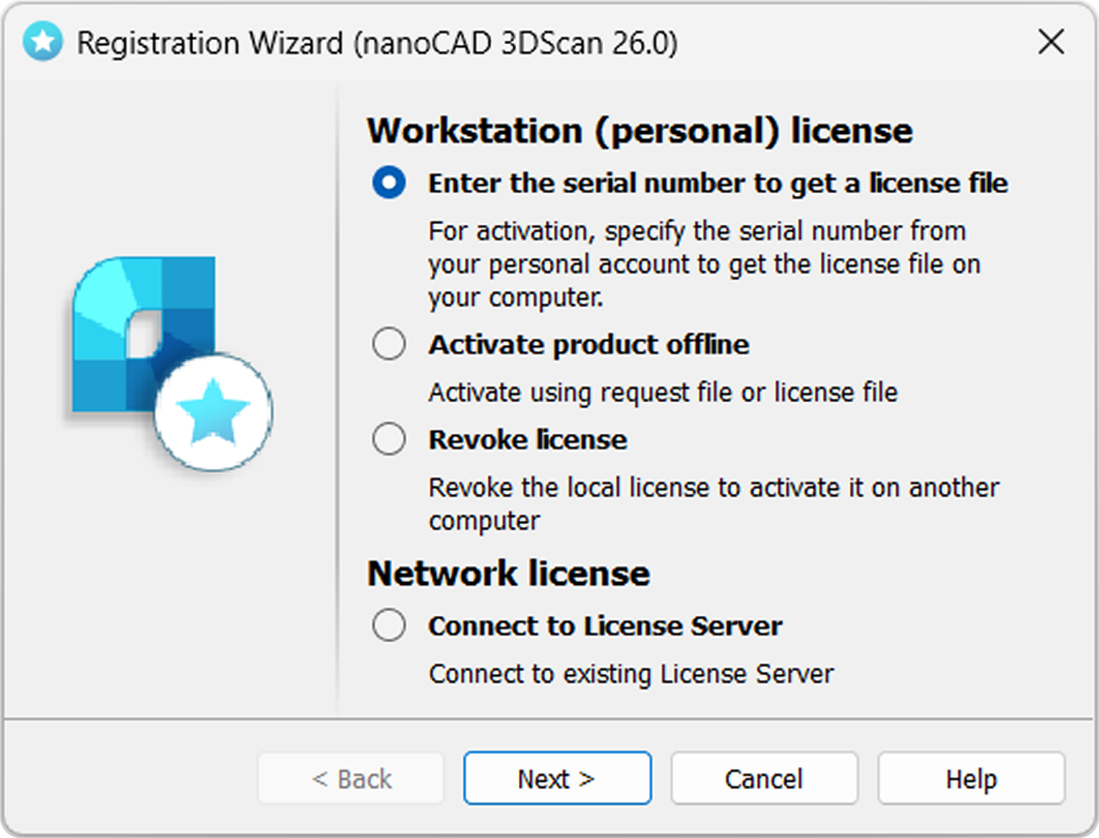
Enter the serial number to get a license file
Enter your serial number (from your personal account) in the field and click Next. The User Authentication window will be opened.
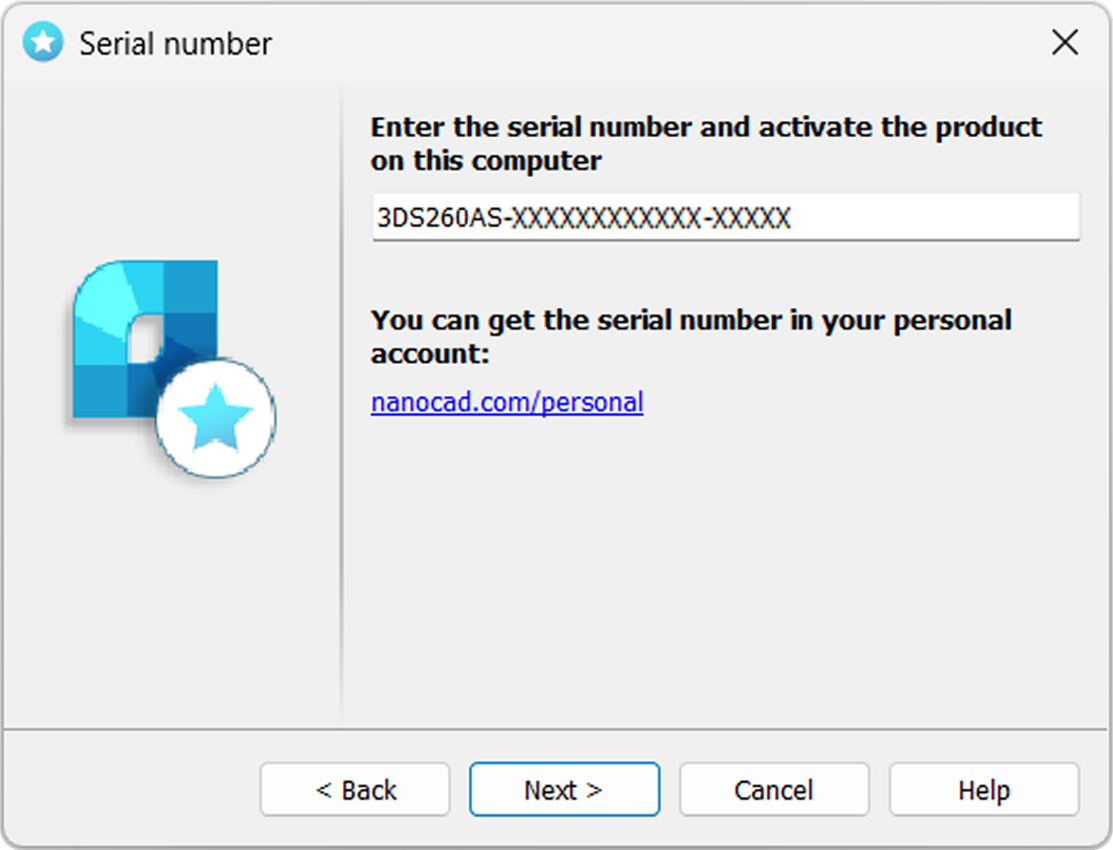
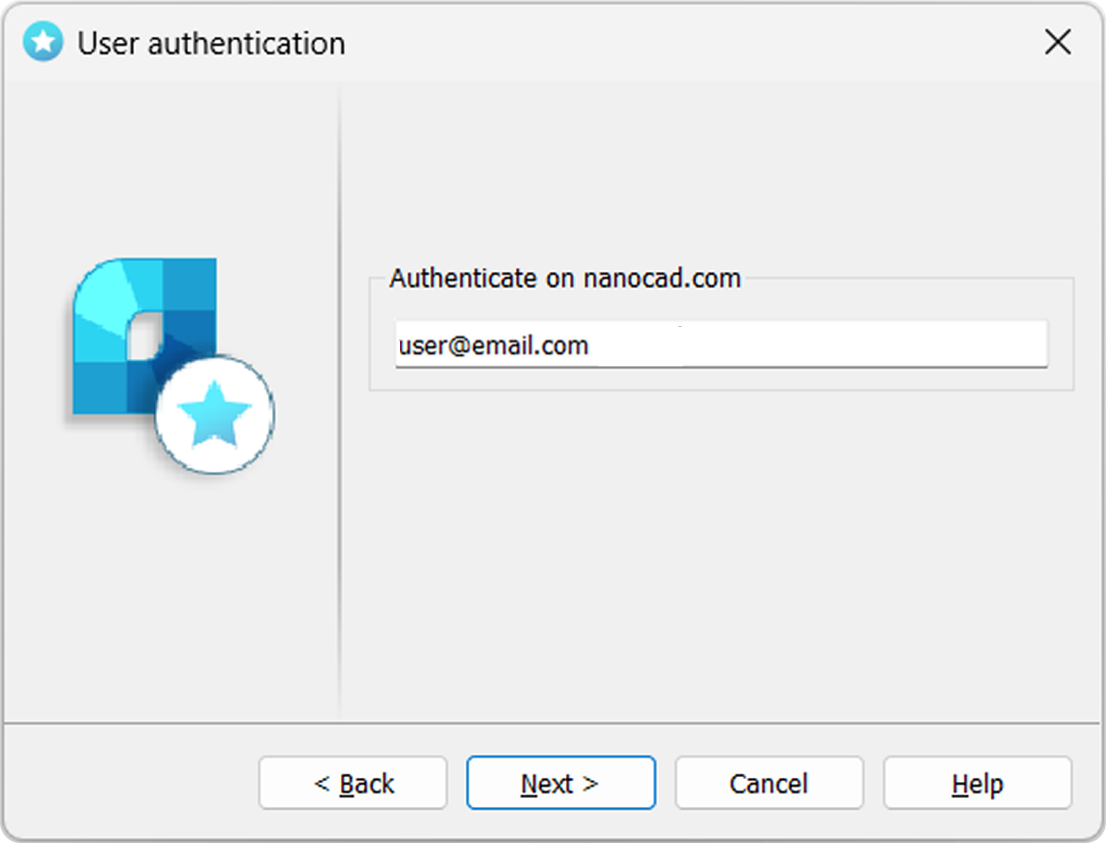
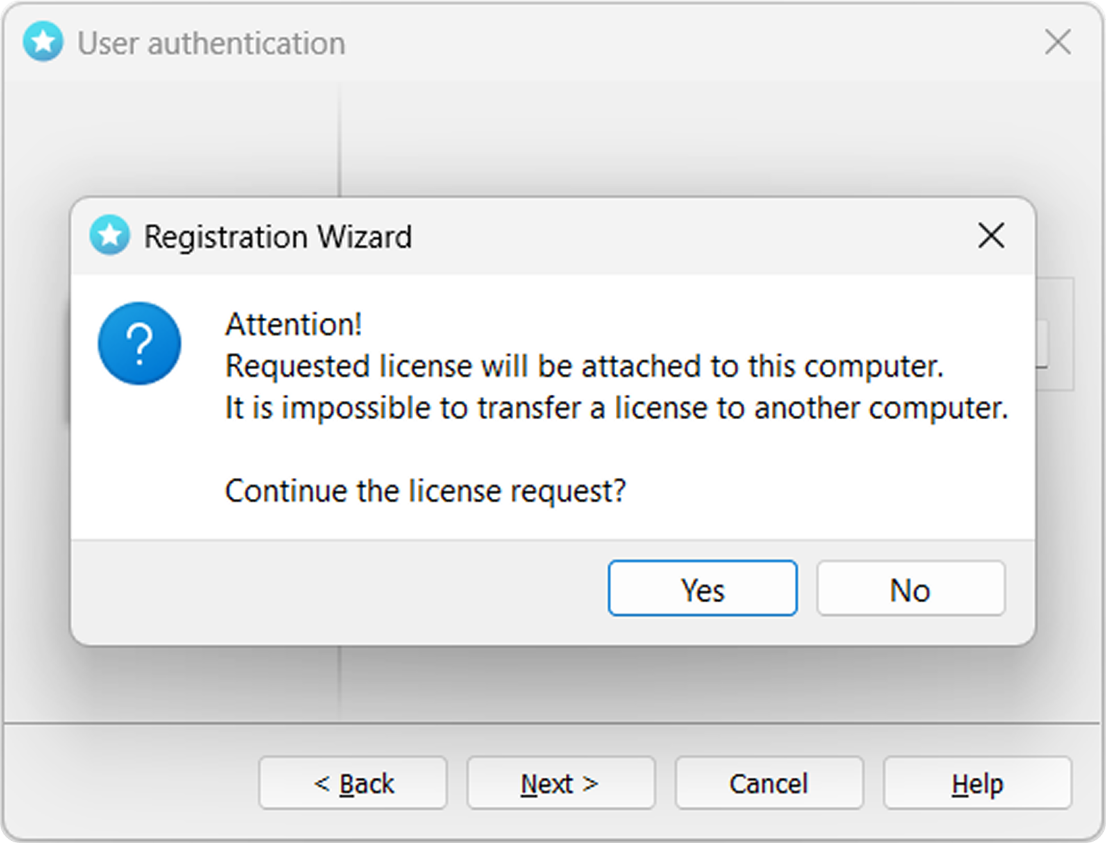
Request license file online
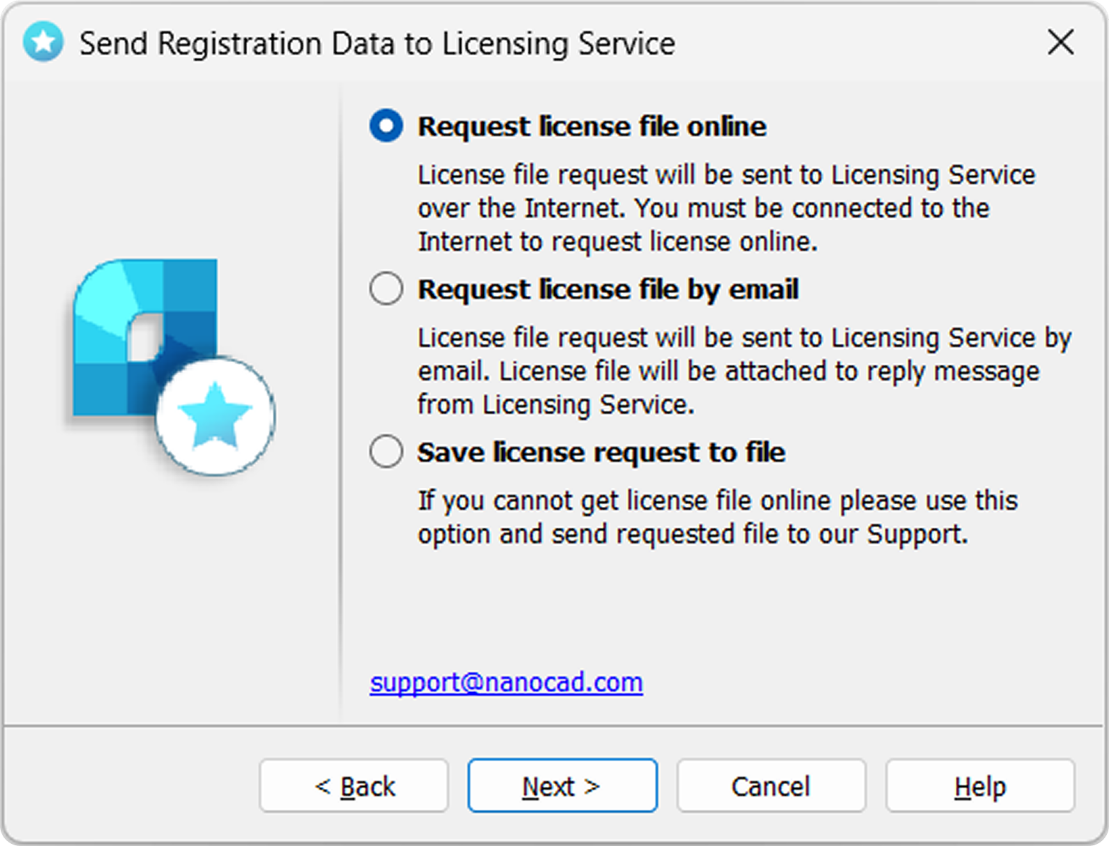
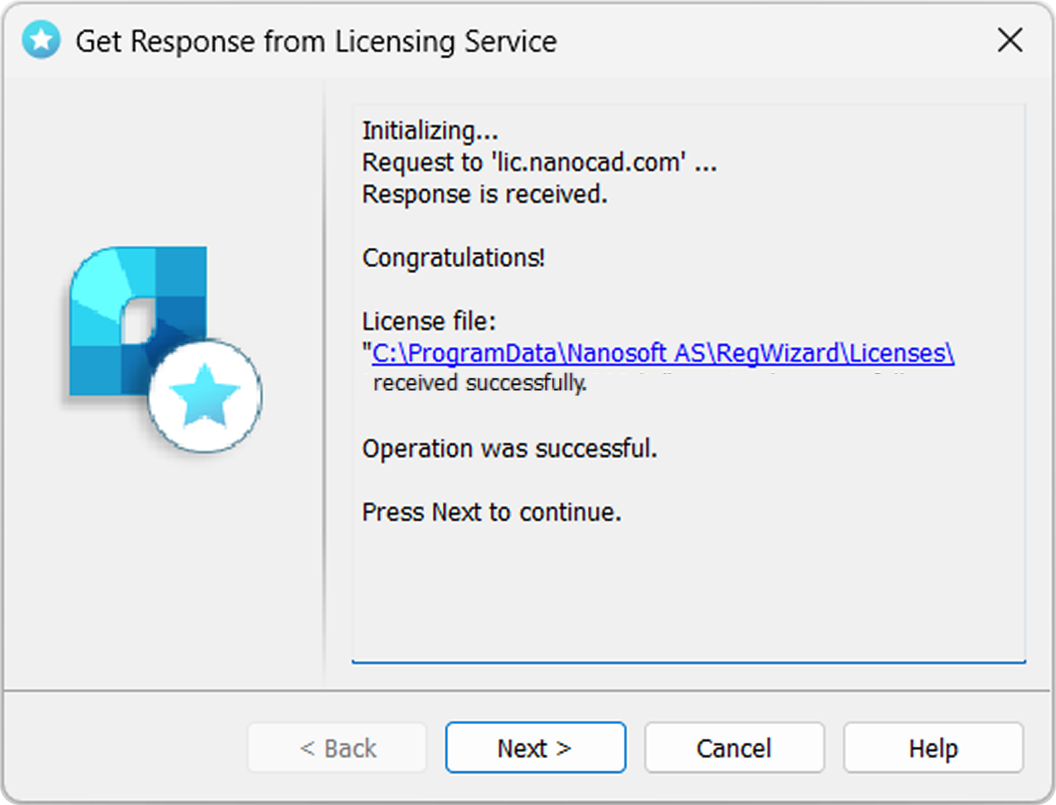
The result of an online license request may be:
- license file successfully received;
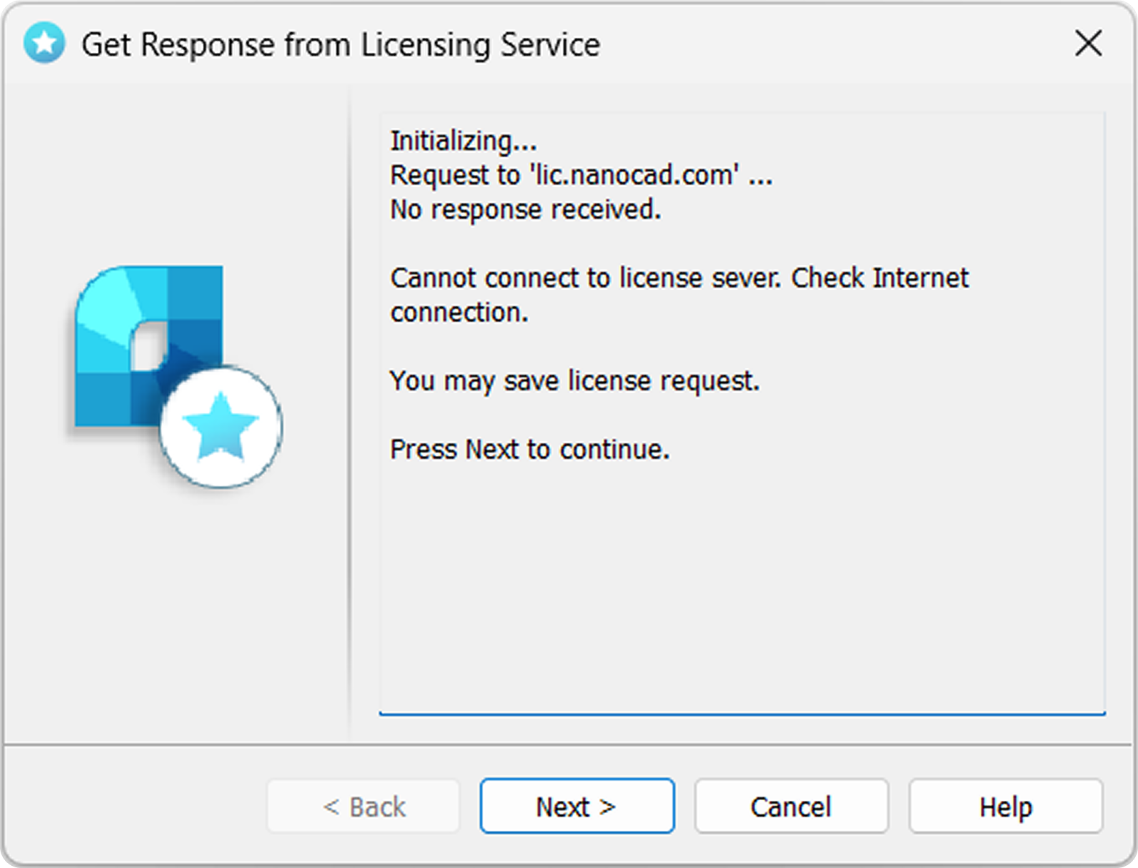
- license file request failed;
- failed connection to Licensing Server.
If the product was successfully activated, click Next, then Finish.
In case if you don’t have Internet connection or you get failed connection error, request license file in another way as it’s described further.
Request license file by e-mail
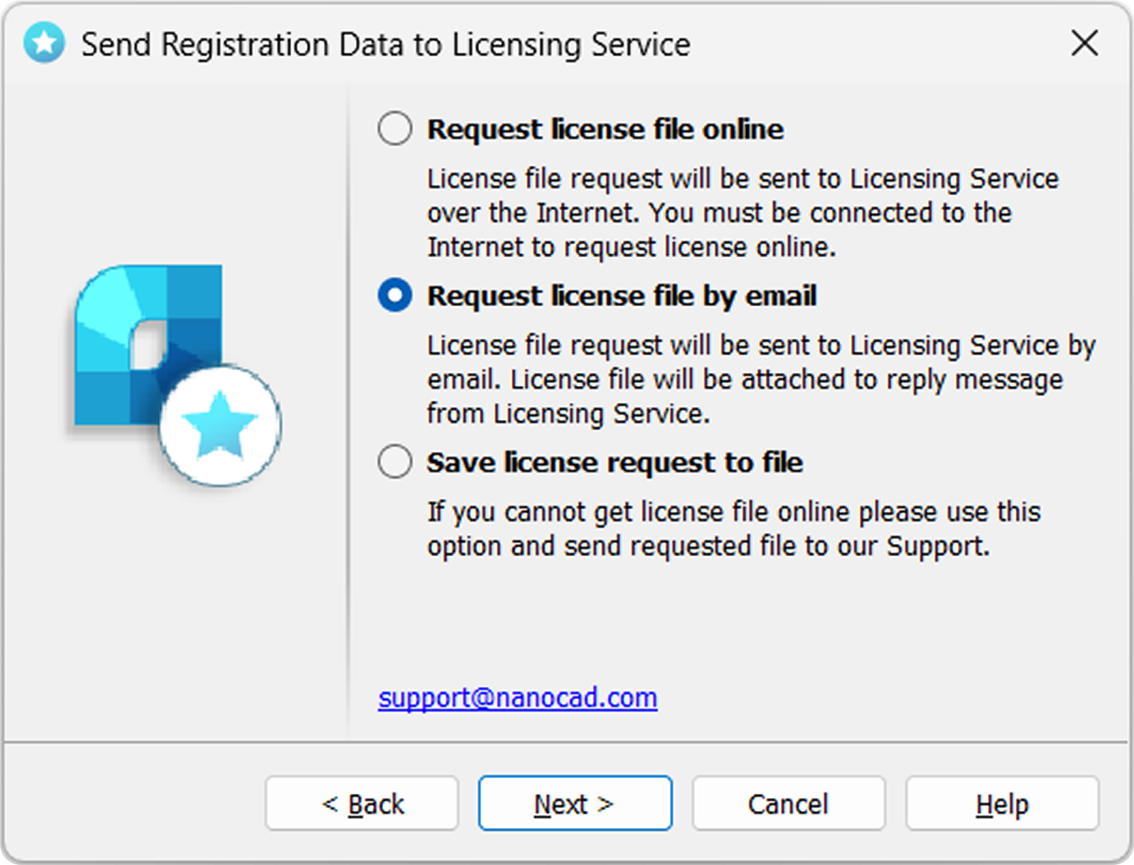
It is possible to get license file by e-mail. Choose this option in Send Registration Data to Licensing Server window of the Registration Wizard. Email will be generated automatically; you should send it. Please do not edit the message just send it as it is.
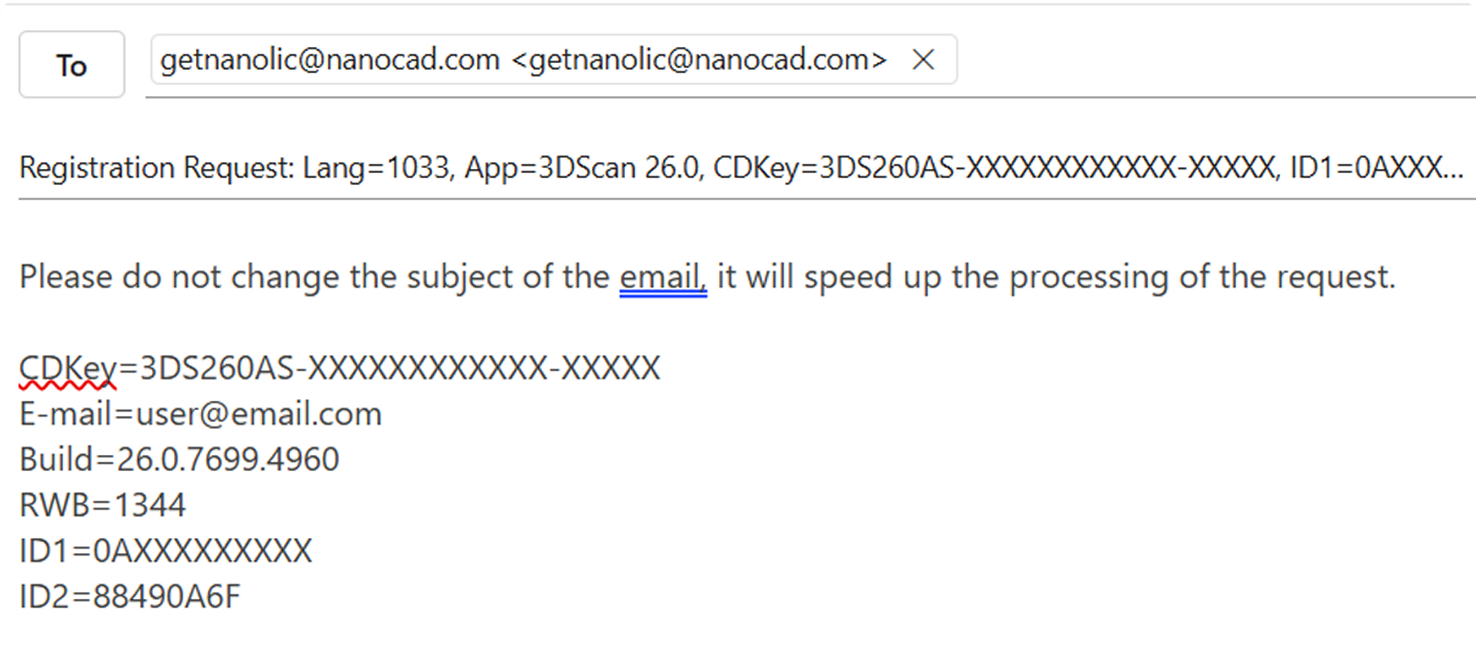
You will get an email with license file. Save this file on your PC, then start Registration Wizard and choose Activate product offline option.
Save license request to file
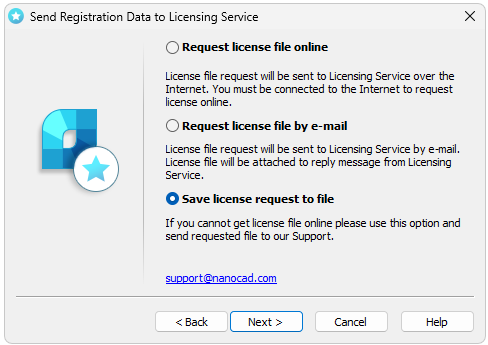
Send this file to your support manager, then you will get the license file and further instructions.
Activate license file
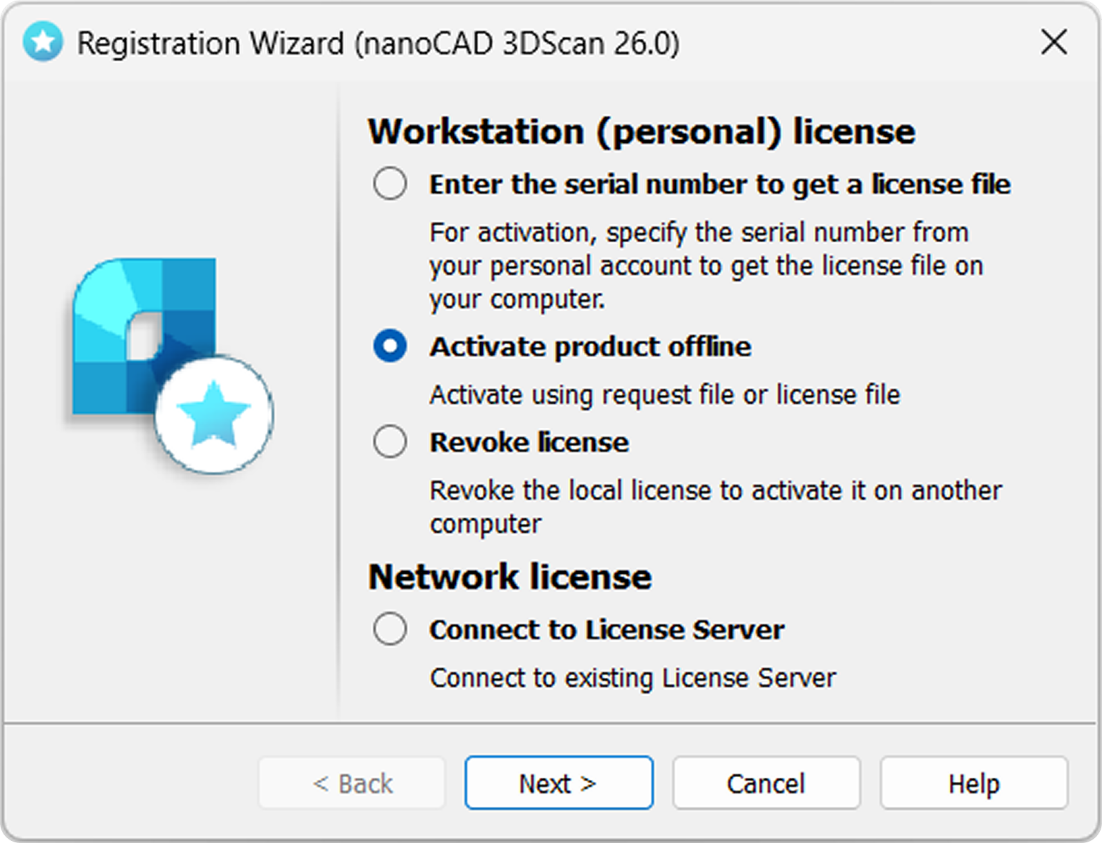
If you received the license file, you should activate it. Save this file on computer. Start Registration Wizard, choose Activate product offline option:
License file location
Click Browse to specify the location of the license file.
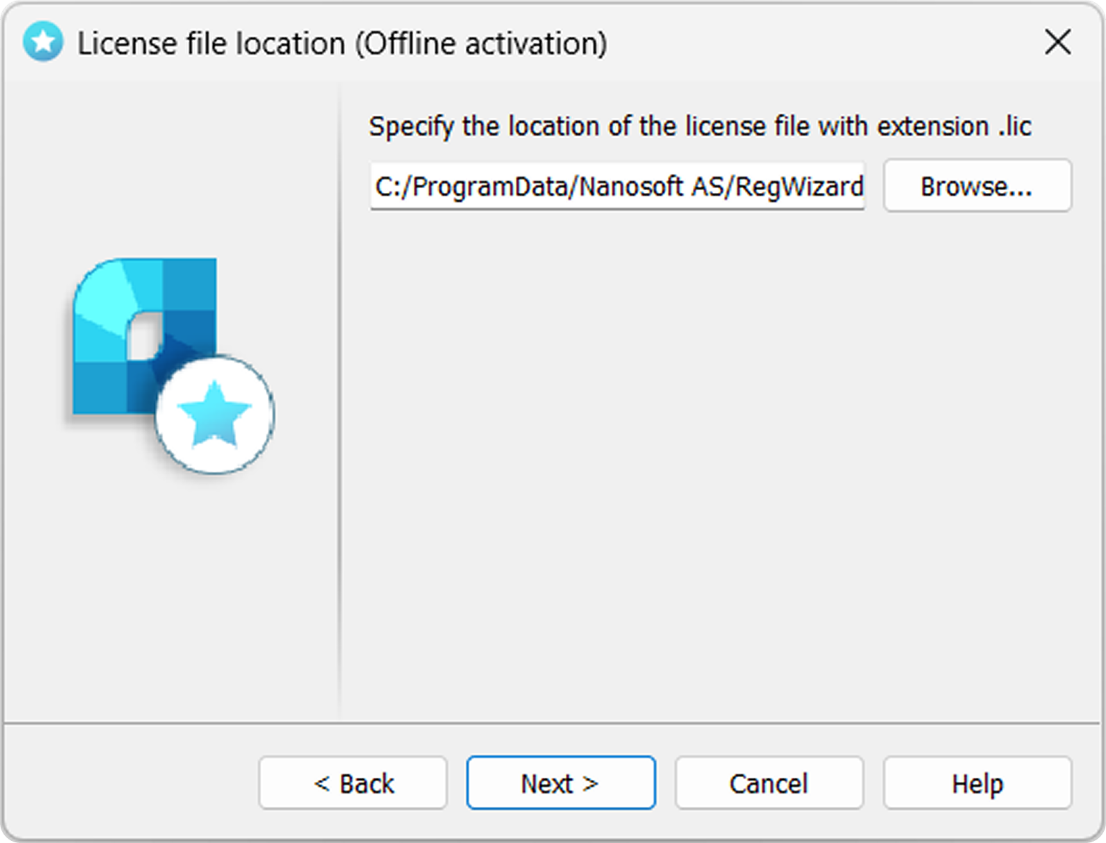
Click Next.
If the chosen license does not match current product, you will receive message:
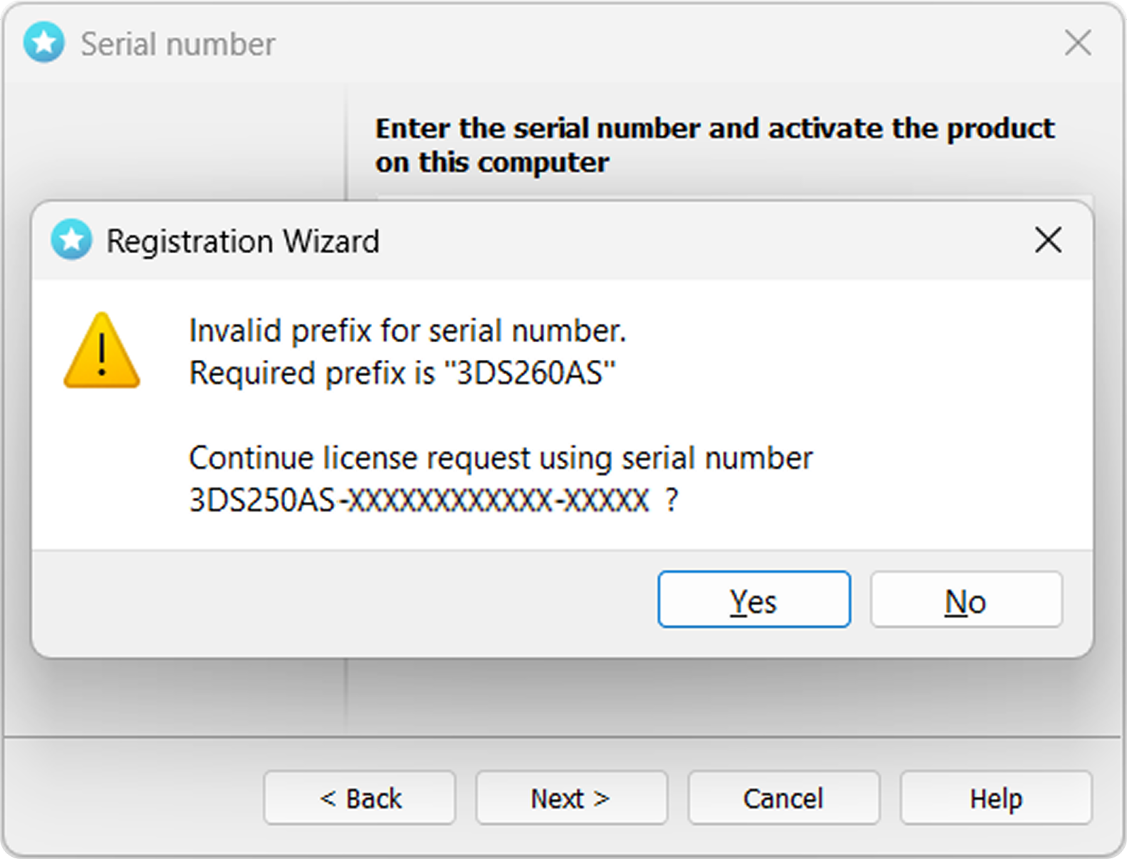
Click No and select proper license.
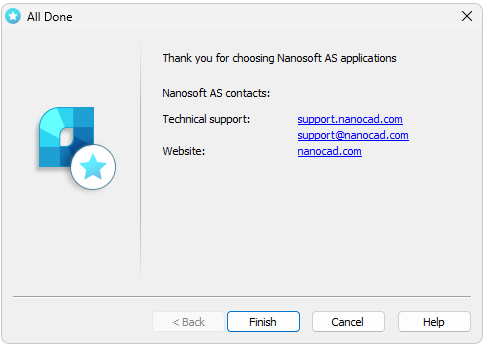
Congratulations! License file successfully received. Product is activated.